
August 5, 2017

|
Manila!

Manila. BGC. / Yeah my blog is such a ghost town (again), IKR. It has been more than 3 months since I last posted worthwhile. I don't know what to do, I don't even know how to start this shitty paragraph. Oh god I think I forgot how to write, well to give you an idea what happen to me while I was gone, I am now in Manila, Greater Manila - Bonifacio Global City to be specific. I'm working here for good and I'm really excited for the days to come. It's been almost 2 months since I came here and so far so good. Manila is an interesting place to live, one thing that you'll notice is that how lively - and populated - the place is. I actually invited my bestfriend to move here in Manila and guess what? She did! She's really my bestfriend Haha. We haven't been able to start exploring Manila just yet but we are just so excited to start exploring and adventuring, in fact we already have somewhat a mini bucket list of places we like to visit first : Manila Ocean Park / Enchanted Kingdom / Star City / Rizal Park / Manila Bay / Manila Zoo. And once time (and budget!) fits, I really want to go back to Baguio again. Right now both of us are having issues with schedule, my off work and hers are not the same and we just don't have leave credits just yet. So yeah, we will have to work first then adventure later. I will surely keep you updated guys for the days to come. |
April 5, 2017

|
Jumping Link Inside Pages
It is called Page Jumps or Anchor Tags. The ability to jump within the current open page. Theory is you have to create a "link" to a specific part of the page you want to jump-in. Have you ever visited websites with "Top" beside the article, this is usually how "Move to Top" works. This is also very useful if you have a very long article. Here let me show you. By the way photos used within the article is from the amazing and generous FancyCrave - they offer free stock photos.

|

|
Introducing Google Album Archive
I was tinkering on the blog's design just recently, I noticed that I haven't change the blogger's header for more years already then I decided to change it. Unfortunately I'm at the office hence I don't have with me my vast selection of header images I can choose from. Good thing I remember that - during the time where Picasa Web Album was still active, but not now anymore - Google automatically saves all uploaded header images, so I thought of just using the older header that I used previously. But Picasa is no longer available how am I supposed to recover my old previously uploaded images? Picasa Archive or Google Album Archive is the answer. Here lies all of your previously saved photos from all Google services such as Google Plus, Blogger and Youtube Channel Art. You will not be able to upload any photos here but instead you might want to use Google Photos if you want to upload photos.
 |
April 2, 2017

|
7 Simple Image Hover Effects You Can Use using CSS
Effect #1. Grow
 HTML Codes
<div class="grow pic"> <img src="http://lorempixel.com/400/400/people/9" alt="portrait"> </div> CSS Codes .grow img { height: 300px; width: 300px; -webkit-transition: all 1s ease; -moz-transition: all 1s ease; -o-transition: all 1s ease; -ms-transition: all 1s ease; transition: all 1s ease; } .grow img:hover { width: 400px; height: 400px; } |
August 3, 2016

|
How to Remove Blogger Picture's Shadow and Border
I still remember the days when I actually like the idea of having shadows on images on my posts but as time goes by it seems that my taste had changed. I don't like it anymore. Haha. So guys right now I'll be sharing to you on how to remove shadows and border on images within a post. This hack won't affect the images outside our post. we'll create a separate post for that. Anyway let's get started.

|

|
How to Add Static / Sticky Footer in Blogger
Back in June I re-posted one of my post How to Add Static Bar on Top in Blogger but how about we tweak it a bit then instead of bar on top let's make it bar below just like the footer floating. It's actually pretty simple we will be using the same base code the only things we change is the top and left tag.

|

|
How to Hide / Remove Page Title Once It Is Open
Hello Guys ! By default when you open a Page the page title is also displayed. For whatever your reason and want to hide / remove the page title if the page is open then you're on the right page. I'll be showing to you guys on how to remove Page title once it is open. It is quite simple we will be using the the display:none again on the page title tag and that's it. So let's get started.

|

|
Open Blogger Posts on a New Tab
Ohayou! [Good Morning in Japanese] ! By default when you click a post title the post will be automatically loaded on the current tab. That's actually not a good or a bad thing depending on your preferences. But just in case you wanna play how it works you can always tweak it out. Below you'll get to know on how to open the post on a new tab. And by the way guys I'm applying this tutorial on this website which is using the Simple Template by Josh Peterson.

|
July 26, 2016

|
How to Hide Widgets on a Specific Page / Posts
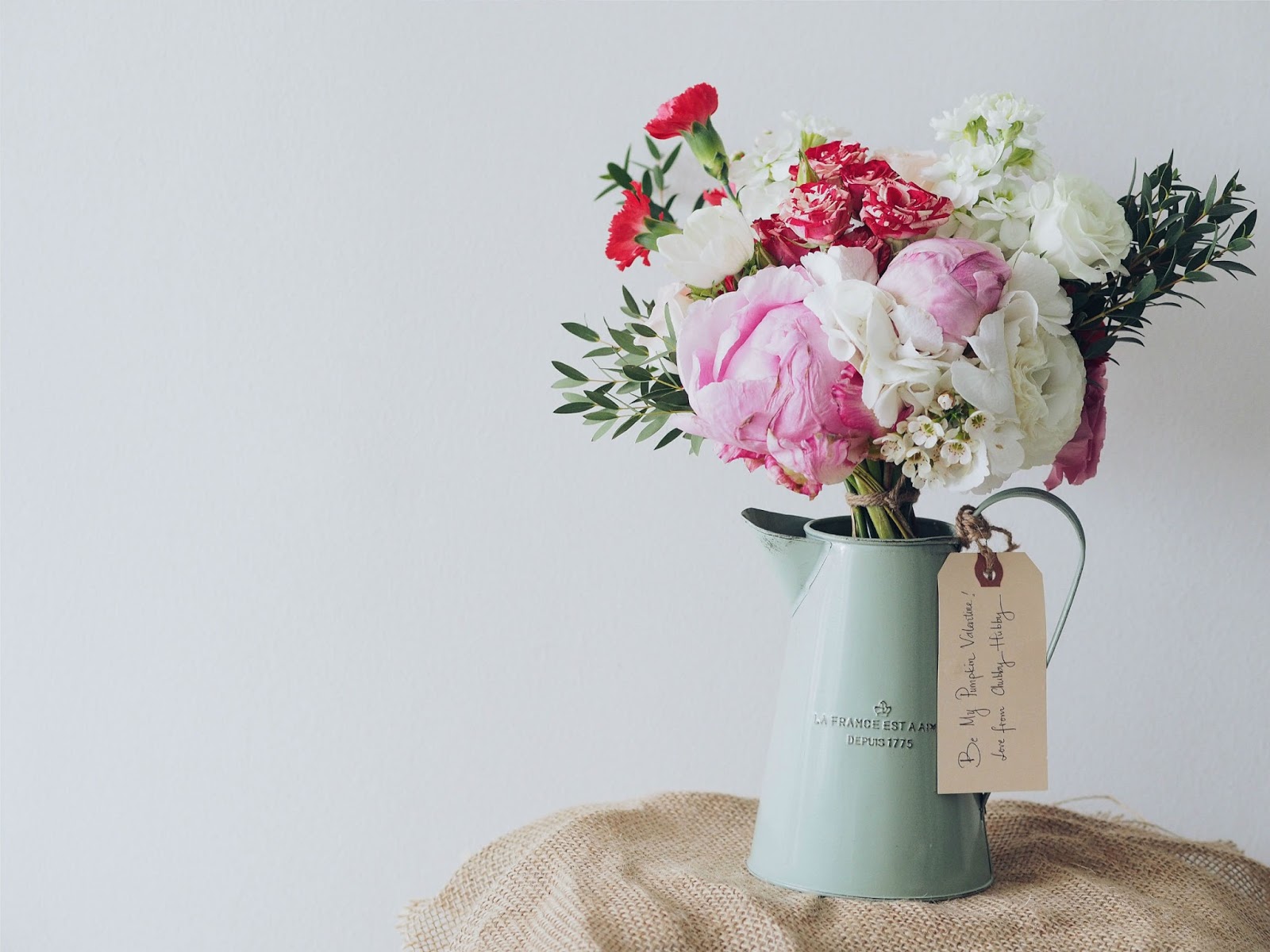
2 Days ago I posted on how to remove all sidebars on a specific page which actually works on blogger post as well. Today my dear friends we will be doing similar tweak but instead of the whole sidebar widgets we will only be hiding specific widgets on specific pages or specific posts. On this tutorial we will be hiding the Label Widget whenever we open the this post. It is actually pretty simple so let's get started.
|

|
Show Date for Each Blogger Post Version 2.0
How to show date for each blogger posts - This tutorial will help you on how you can tweak your template to show date for each of your Blogger posts. By default, post that are published on the same day will be on the same date folder. Luckily this tweak will display both Date and Time stamp on each blog post. It's really simple so let us start. I actually have two versions for this tutorial just in case the other one works. I'm pretty sure one of these options will work on your template. You can check out the first version on the link provided below. I really hope this will help you guys.
Version 1 - June 13, 2016
Version 2 - July 26, 2016 
|
July 25, 2016

|
How to Identify Widget's ID
Yesterday I posted on how to hide specific widget on a specific posts or pages - this tutorial requires you to identify the Widget's ID. Just in case you didn't know this quick hack well that ends now since I'll be sharing to you guys the quickest way to identify Widget's ID. It's very simple and quick.

|
July 24, 2016

|
How To Remove Blogger Sidebar on Selected Page and Selected Blog Post
I actually came across this tutorial while I was looking for removal of blogger sidebar on a blog post not on a page but I think I having this kind of tutorial applied to pages is also helpful. That's I'm gonna be sharing to you guys right now. This tutorial is from Southern Speaker, you can check out the original post by clicking this link. Hope this helps. It is actually pretty simple, we just had to instruct our website to hide the sidebars once we open a specific page.
 |
July 23, 2016

|
Make It Right The Series
Hello again guys ! Previously I posted an article about LoveSick The Series which is also another Boy-Love theme TV series. I actually watched or get to know first the Make It Right Series before I got into the LoveSick Series but since Make It Right Series is an on-going series which was actually released last May 2016 and they only release TV series episode every Sunday I think 9PM Thailand time and I could not wait for other episode to release so I somewhat had to research other similar TV Series and that's how I got into LoveSick Series. 
|
July 22, 2016

|
LoveSick The Series Season 2
LoveSick fever is back with it's 2nd Season. I could say that I've never been kilig like this before. As of writing this post I'm still at Episode 15 and I could really say season 2 is way way better than the Season 1. I like how they made the other supporting characters paired up with the other people within the story, these changes makes the series more exciting and amazing.
Then again big thanks to KudaLakorn for these amazing English subtitled episodes. KUDALAKORN don't forget to visit his website you'll get to know other Thailand TV series that are worth watching.  |

|
LoveSick The Series
Hello guys ! one of the reasons why I could not get online and post something because I've been actually watching a Thailand Gay theme TV Series called Love Sick The Series.
I just started watching the Series few weeks ago and I could say it's really a nice series, By "Nice" means it is marketed for teenagers and young adults especially for those part of the third-sex community. It doesn't show bed scenes and torrid kissing which I agree, Well of course I thought of the main characters kissing and doing some bed scenes but I thought as well that we should make an impression to the viewers that gay-love relationship isn't just revolve about sex or similar stuff, This in the long run will make the world accept the LGBT people more. I like how the staff of the series produces scene which is really kilig yet wholesome. A super big thanks to KudaLakorn of the self-titled website KudaLakorn.com for the English subtitle for each episodes and for the high-definition uploads as well. KUDALAKORN  |
July 17, 2016

|
How to Add Related Post Widget Every Post in Blogger (Version 3.0)
Hi guys as noted on one of my tutorial [How to Add Related Post Widget for Below Each Post in Blogger Version 2.0] I have notice that sadly it was not working anymore. Freaking out to make sure it will work again I searched almost every corner of google but could not find the resolution as to what could be the reason behind for it not to be working. What I have in mind is that possibly looking into the details of the codes the JavaScript is actually imported rather than embedded - assuming that it is indeed the key factor for it not to be working I had to extract the full JavaScript code then implement it to my HTML blog. Crossing my finger that by re-coding the widget it will work already but unfortunately it didn't. I have no JavaScript background that's why maybe Haha. But by continuously re-coding it I unexpectedly made it work again. I'm so amaze of myself. Haha. So finally after all the hours I spent I'm so happy to share to you guys a new code for the Related Post Widget for Each Post. Take note guys that this is not a substitute but rather an alternative option just in case the Version 2.0 didn't work for you. The visual output of this version and version 2.0 are just the same. Same thing this widget will only display recommended articles below each post with the same labels/tag. And this does not appear on your homepage. If you want to have a separate widget similar to this then you might want to read this : How To Add Related Post Widget(Gadget) In Blogger.
Update as of July 17, 2016 - Version 3.0 is out just in case Version 2 and 1 didn't work
Update as of July 17, 2016 - JavaScript Changed. Update as of June 15, 2016 - CSS Codes tweaked. Update as of October 6, 2014 - Fixed / Changed the JavaScript source.  |

|
Looking Back at My Doodles
There was a time in my life where I really love scribbling and making doodles, I even created a Behance account way back just to showcase my doodles artwork online. Good thing I still have access to my Behance account which was created 5 years ago and good thing again that I still have my doodles posted online, I was afraid while logging in to Behance that I might have deleted my doodles since I have this hobby of deleting old stuff posted online and yeah I still have my loved doodles out there and I'm so happy. Haha.
I might be making doodles in the future but honestly I don't know when will that be you know crazy life I have then I not even sure if I still have the skills but yeah lets see it soon. I'm also waiting for myself to make doodles Haha.  |
July 16, 2016

|
QUEENS GUILD
I've been playing Dragon Nest SEA server for almost 4 years now and I wouldn't be playing this long if it isn't a good game to play. Every game has a Guild, for ours we have QUEENS GUILD. With so much love that I have to the guild I created a logo and a facebook Banner. Photos used as a background isn't mine I just googled it. The Lettering is mine thou, I searched for an online tutorial on how to create gold-looking letterings and it turns out good I should say. Haha

|
July 15, 2016

|
How to Create Simple GIF using Photoshop
Hello pips ! Ohayou ! Just few hours ago I changed my Blog's header from a static photo to an animated GIF and I could say I love it. I thought creating GIF picture is a bit hard and you know confusing but I was all wrong it indeed the opposite it's perfectly simple and we are gonna only be using 1 tool - Photoshop CS6. I haven't used CS5 or other Photoshop version but I guess it'll work if you're using different version. So let's get started. 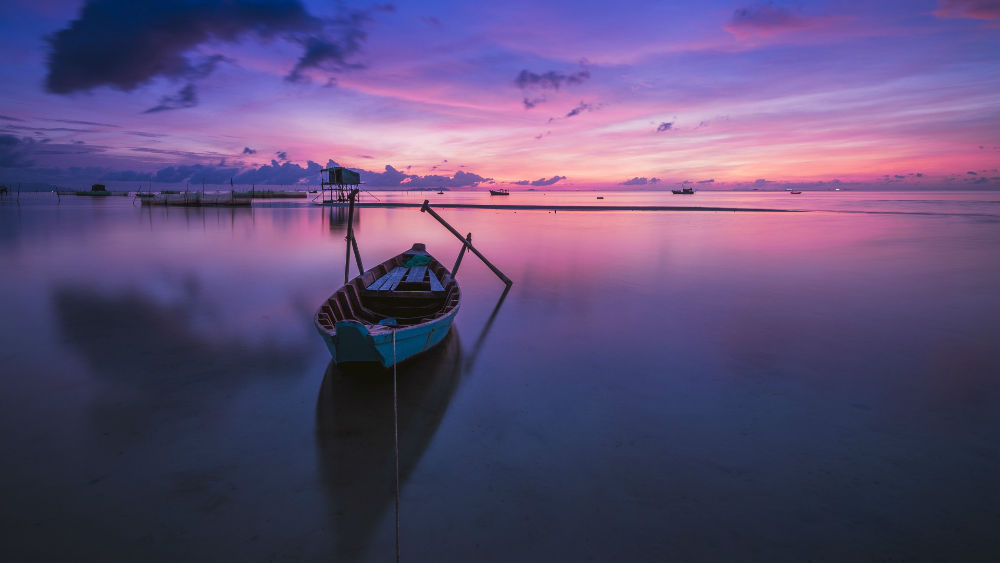 |
June 30, 2016

|
Boracay 2016
The same as my previous travel post I actually had once a thorough travel diary with my Boracay experience but due to some unfortunate events that was accidentally deleted without me backing it up. And for the sake that I just want to post the photos and blame me for I'm a kinda lazy reminiscing the memories I had with Boracay I will not be sharing it (again) my travel experience with Boracay - Haha. Mi Ultimo Adios. I hope you enjoy the pics. Love lots.
 |